

Corporate Training Video Production: Scope and Budget
Corporate training video production helps employees learn a procedure, use a system or make an informed decision at work. A complete project can include learning design, writing, filming or screen capture, editing, assessment, accessible delivery and ongoing updates.
Compare proposals by the work included and the task employees must perform, not just the number of finished minutes. A production-only quote can be appropriate when your internal team supplies the learning design and approved script. A full-service brief needs those responsibilities assigned too.
This guide provides an eleven-item scope checklist, a worked budget comparison and acceptance criteria for an employee training project. For the broader production workflow, see training video production.
Start with the workplace task
Replace “make a training video about the new system” with a task and a success check. For example: “An operations employee can identify a duplicate record, choose the approved resolution route and verify the result in a practice environment.”
Check whether training addresses the difficulty. Conflicting instructions, missing permissions, an unsafe procedure or a broken system require an operational fix. A film can explain an approved process; it cannot make an unsuitable process work.
Define who will use the material, on which device, in which language and under what conditions. Employees may learn at a desk, on a shared device or between shifts. Some training is assigned, some is voluntary, and both need clarity and a practical reason to engage.
The eleven items to check in a production scope
Use the final column to assign each item to the supplier, your internal team or a clearly agreed shared workflow.
| Item | What the scope should state | Acceptance evidence |
|---|---|---|
| 1. Outcome and audience | Task, starting knowledge, role and intended result | Approved brief and task criterion |
| 2. Learning design | Sequence, prerequisites, practice and support | Lesson map tied to the task |
| 3. Script | Writer, source references, narration and on-screen actions | Approved script with resolved factual questions |
| 4. Expert input | Named experts, input format and booked review windows | Accurate source material and decisions |
| 5. Footage and visuals | Screen recording, filming, animation, environment and asset rights | Material that shows the required actions clearly |
| 6. Narration and sound | Voice, pronunciation, recording, music and rights | Clear final audio matched to the lesson |
| 7. Editing and graphics | Readability, emphasis, pacing and required versions | Review cut matching the approved visual plan |
| 8. Practice and assessment | Task or questions, feedback, scoring and retakes | Correct behavior and records in a test attempt |
| 9. Accessibility and languages | Captions, descriptions, alternatives, translations and review | Checks against the agreed media and learner requirements |
| 10. Delivery | File types, player or LMS, packaging and publishing responsibilities | Working lesson in the intended destination |
| 11. Quality assurance and maintenance | Final checks, approval, version owner and update process | Resolved issues, handover and maintenance record |
Not every project needs every deliverable. A short reference recording may need no scored assessment. A formal learning path may need one. Make exclusions visible so both sides understand the work and the resulting experience.
Hosting, platform licenses, translation, talent permissions, travel and future updates may be included or separately priced. Ask directly; there is no universal rule that studios always exclude them.
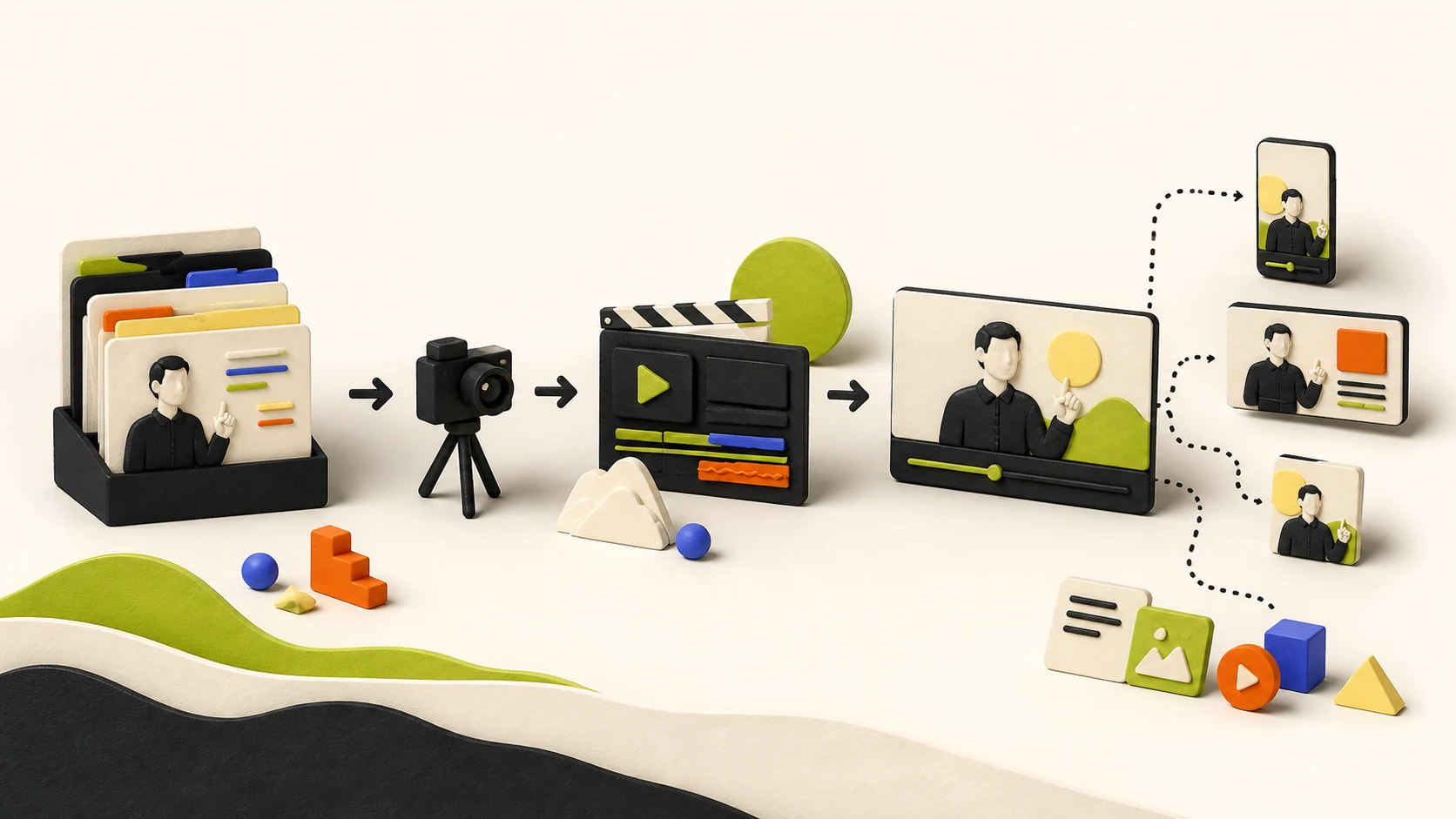
Match the production format to the learning need
| Format | Useful application | Main production considerations |
|---|---|---|
| Expert explanation | Context, reasoning or a policy decision | A clear script, expert time, understandable examples and audio |
| Screen walkthrough | A software task and its result | Approved environment, readable interface, permissions and version accuracy |
| Physical demonstration | An action that needs to be seen from a useful angle | Location, safe procedure, equipment, camera coverage and expert review |
| Animation | An invisible process, concept or relationship | Accurate visual model, illustration, narration and editable text |
| Scenario or interactive lesson | Judgment, consequences and practice | Credible choices, feedback, accessibility and testing of all paths |
A filmed scenario is not automatically the most expensive option, and a screen recording is not always the cheapest. Existing assets, complexity, languages and review needs determine the effort. Choose runtime by the task and the need to pause, practise or refer back. A fixed two-minute target can cut out necessary context just as a long introduction can waste time.
For a recurring procedure, consider a short demonstration plus a searchable reference. For a judgment task, include an opportunity to explain or apply the decision. These formats can work together.
What corporate training video production costs
D-MAK’s May 2026 vendor guide publishes $8,000-$25,000 per mid-tier video and $25,000-$75,000 per enterprise series, in USD. These are that publisher’s scope categories and indicative ranges, not a market average or a Corso quote.
Treat published per-video, per-minute and per-series figures as different units. Do not compare a software subscription with a fully produced training series without adding the labor required to create it. A useful budget comes from a defined scope, supplier quotations and your team’s own effort.
A worked comparison of two proposals
Suppose the same three-lesson project receives these hypothetical proposals:
| Item | Proposal A | Proposal B |
|---|---|---|
| Supplier price | $5,000 | $7,000 |
| Included writing | Client supplies approved scripts | Supplier drafts; client reviews |
| Captions and transcript | Client supplies them | Included |
| LMS delivery check | Client handles it | Joint test included |
| Estimated internal effort | 45 hours | 15 hours |
At an illustrative loaded rate of $80/hour, A totals $5,000 + $3,600 = $8,600 and B totals $7,000 + $1,200 = $8,200 in allocated project cost. B costs more on the supplier invoice and less in this combined model.
That does not make B automatically better. Validate the hours, deliverables, quality and required capabilities. If internal staff have available capacity, the cash-budget decision may differ from the capacity comparison. Record both rather than presenting allocated staff time as an immediate spending reduction.
What changes the quote?
The main variables to resolve are the amount of source research, the number of tasks and versions, visual complexity, expert availability, recording arrangements, languages, accessibility, revisions, platform testing and maintenance.
Reduce avoidable work by approving the task and script early, using reusable assets where suitable and preparing the demonstration environment. Do not reduce cost by omitting necessary safety context, language access or factual review. An approved sample is useful before producing a whole series in the same style.
Book your team’s work as well as the supplier’s
An external producer still needs access to accurate information and timely decisions. Assign a subject expert, a person consolidating comments, the relevant approver and someone responsible for the delivery environment. One person may hold several roles if they have the authority and time.
Agree review windows appropriate to the organization. Forty-eight hours can be a negotiated target; it is not a universal service level. Keep required reviewers involved and identify who resolves conflicting feedback. Delays affect the delivery date according to the actual dependencies, not a fixed “one late review equals one extra week” rule.
For an illustrative eight-week series, a plan could allocate:
- Weeks 1-2: source review, task definition, lesson map and an approved sample.
- Weeks 3-4: scripts, factual review and filming or capture preparation.
- Weeks 5-6: production, editing and initial accessibility work.
- Week 7: consolidated review, revisions and assessment checks.
- Week 8: final platform testing, approval and launch.
This is a planning example. A small screen walkthrough may take less time; complex filming, procurement, several languages or required approvals can take longer. Schedule the critical dependencies before promising a date.
Specify accessibility and learning-platform behavior
W3C’s accessible media guidance covers captions, descriptions, transcripts and accessible players. Include essential visual information in the explanation or an appropriate alternative. Test keyboard operation, visible focus, readable text and the actual assessment interactions.
If a contract specifies a conformance standard, define the scope and evidence of testing. Merely exporting an SRT caption file does not establish that the full learning experience meets it.
For an LMS, ask the administrator which content formats and reporting behavior are required. SCORM and xAPI address different interoperability needs; they are not interchangeable names for a video file. Test the exact format and version supported by the destination.
Use a representative learner account to check launch, resume, completion, pass/fail status, retakes and the fields your reports need. MP4 with captions can be a valid delivery choice when the host supplies the required experience and tracking. A supplier does not need to deliver every learning standard if the project only requires one.
Set acceptance criteria before the final cut
The final review should answer practical questions:
- Does the lesson show the current, approved procedure and its important exceptions?
- Are narration, visuals, captions and references consistent?
- Can the intended learner understand the starting conditions and complete the task?
- Are sample data, screenshots, voices and other assets approved for this use?
- Can the learner operate the media and interactions in the actual delivery environment?
- Do assessment outcomes and records behave as specified?
- Is the version, owner and help route clear?
Where the topic involves a consequential workplace procedure, the appropriate organizational expert must approve its accuracy. A production supplier’s polished edit is not a substitute for that approval. A completion record does not, by itself, establish competence or fulfill every training obligation.
Plan updates while the material is still being built
Keep a record of the source procedure, product or policy version, reviewer and review trigger. Useful triggers include changed permissions, a new workflow, a corrected safety instruction or retired functionality.
Separate changeable interface footage from stable explanations when doing so makes updates easier. Retain editable assets or agree licensed access and an update service that meets your needs. Source-file ownership is a commercial term to resolve, not a universal test of supplier quality.
After an update, review all affected outputs: video, captions, transcript, translations, assessment and references. Remove or clearly retire misleading old versions. Not every product release makes a lesson wrong, and some substantive changes require more than replacing one screen.
Evaluate the production company against your brief
Ask for a complete relevant example or an agreed sample, the proposed team, and a clear explanation of who handles learning design, writing and review. Assess the evidence in context: confidentiality can limit public client examples, and an original demonstration can show craft without proving a client result.
A producer can also be a capable learning designer; a separate job title is not always necessary. An editing specialist can be a good choice when you already have an approved script. Match the capability to the contracted work.
Request written terms for revisions, usage rights, delivery, error correction and updates. Ask how success will be assessed and who will have access to the data. Where a sales claim uses a learning or ROI statistic, inspect its original source, sample and scope. Do not turn a weakly sourced marketing claim into a training outcome promise.
Measure the task after launch
Completion and watch behavior can tell you who encountered the material and where to investigate difficulties. Add a practical task check, suitable questions or observed work where appropriate. Record the assessment conditions and anyone who was not assessed.
For operational outcomes, compare consistent measures such as task errors, repeat questions or time spent on the procedure. Changes in staffing, systems or policy may also affect the result. A before-and-after improvement is useful evidence but does not isolate the video’s causal effect.
Customer-facing programs may use activation and support measures; employee programs may use work quality, capability and required records. Neither audience has only one valid success metric. See customer education KPIs for a transferable measurement structure.
What you can inspect in Corso’s work
Corso’s portfolio includes original workflow demonstrations and an interactive embassy-interview readiness lesson. These show learning and production choices; they are not measured client case studies.
For a proposed project, confirm the audience, scope, delivery format and approvals. Corso’s published Customer Adoption Pilot focuses on one audience and workflow. This page does not establish a fixed lesson count, price or certification of a regulated training program.
Frequently asked questions
How long should a corporate training video be?
Long enough to teach the task clearly, including necessary context and practice. Break material into useful sections when learners need different routes or reference points. Test the explanation with the intended audience instead of applying one runtime limit to every topic.
Should we produce it internally or outsource?
Compare the skills and available capacity needed for the scope. Internal teams can produce accurate, polished material; external specialists can supply missing capacity or capabilities. Both need expert input, review and maintenance.
Does a video with a quiz prove employees can do the job?
No. A quiz measures performance on its questions. A practical task or supervised assessment may be more appropriate for the capability you need to establish. Choose assessment evidence that fits the actual work.
What should we send when asking for a quote?
Send the audience, task, approved source material, proposed lesson scope, languages, delivery requirements, budget and review availability. The production brief template provides the fields. Discuss the scope with Corso if you need help turning that task into a learning path.